Kelune CRM provides two complementary views of email performance: Email Logs for individual messages and Campaign Reports for the combined results of a campaign.
Review the email logs
Open Kelune CRM → Emails → Logs.
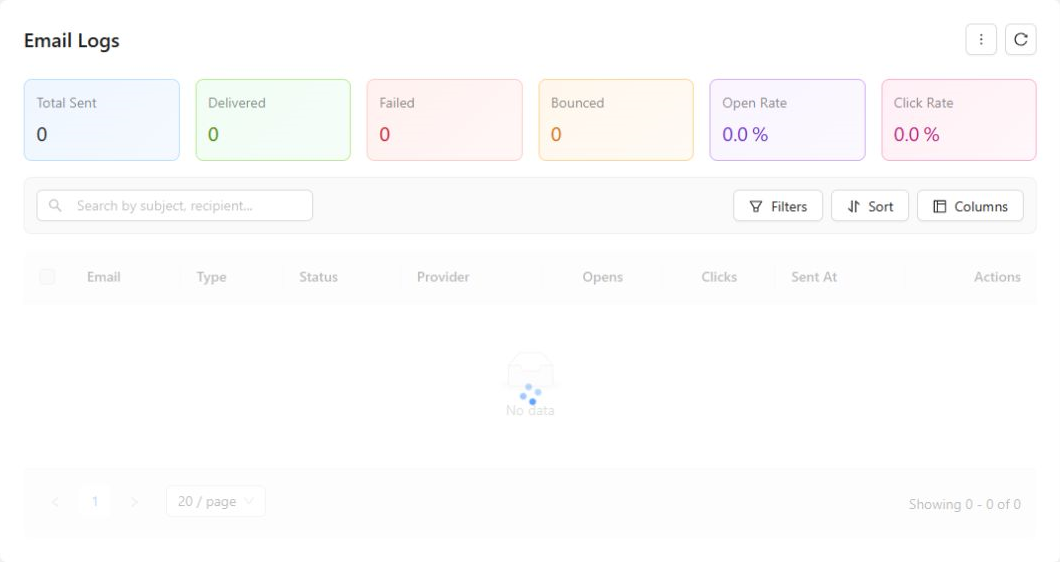
The summary cards show totals for sent, delivered, failed, and bounced email, plus open and click rates. Use the filters to narrow the table by:
- Type: campaign, automation, test, or transactional.
- Status: queued, sending, sent, delivered, opened, clicked, failed, cancelled, or bounced.
- Provider: WordPress, SMTP, SendGrid, Mailgun, or Amazon SES.
- Date range.
Each row can show the recipient, message type, current status, provider, opens, clicks, sender, sent time, and creation time.
Open a log entry to inspect its lifecycle, including when it was created, sent, delivered, opened, clicked, or bounced. When available, the entry also provides actions to resend or delete the log.
Read a campaign report
Open Kelune CRM → Campaigns, then open the analytics or report for the campaign you want to review.
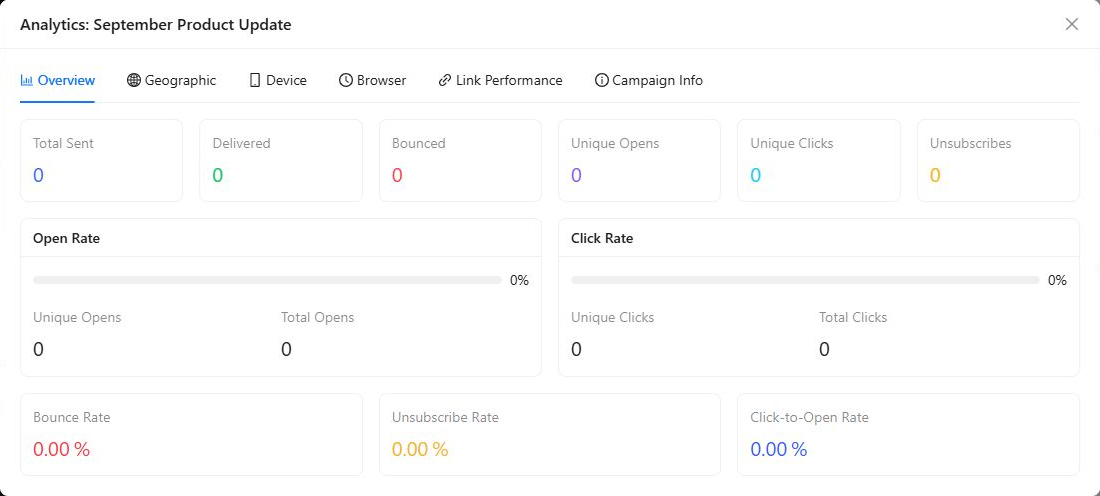
The report includes totals such as:
- Sent, delivered, and bounced.
- Unique opens and unique clicks.
- Unsubscribes.
- Open, click, bounce, unsubscribe, and click-to-open rates.
Use the country, device, and link sections to understand where engagement came from and which calls to action attracted clicks. A/B test campaigns also include a comparison of their variants.
Interpret the results
| Metric | What it helps you understand |
|---|---|
| Delivery rate | How much of the sent mail reached a receiving mail system |
| Bounce rate | How much mail was rejected or could not be delivered |
| Open rate | How many tracked recipients opened the message |
| Click rate | How many tracked recipients clicked at least one link |
| Click-to-open rate | How often an open led to a click |
| Unsubscribe rate | How often recipients opted out after the campaign |
Compare campaigns with similar audiences and goals. A promotional campaign and a service announcement may have very different normal results.
Investigate repeated failures or rising bounces, remove invalid addresses, and keep unsubscribed contacts suppressed from future marketing sends.